// hosting · Web Platform Advent #15
PHP hosting explained: shared vs VPS, versions and performance
What to look for in PHP hosting — shared vs VPS, PHP versions and extensions, deployment, .htaccess, and performance with OPcache — without the marketing noise.
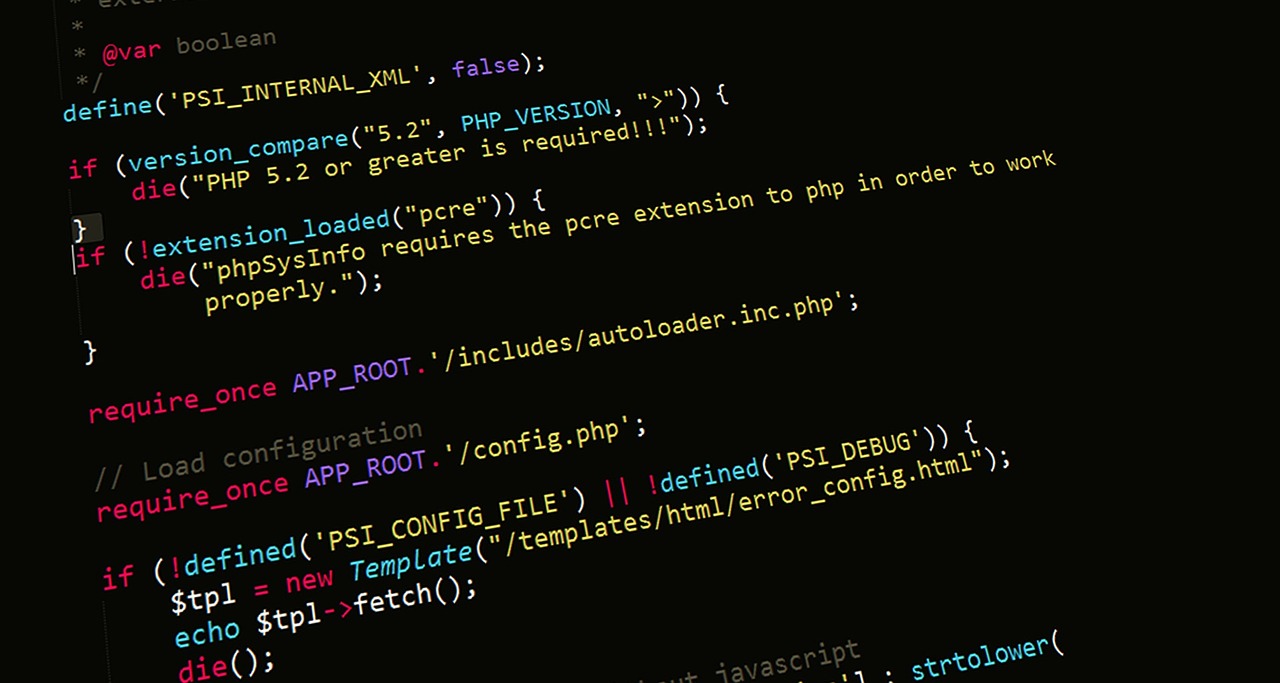
PHP still powers a large share of the web, and hosting it is well-trodden ground — which is exactly why the offers all look the same and the real differences hide in the details. This guide covers the criteria that actually matter: the shared-vs-VPS trade-off, PHP versions and extensions, how you deploy, what .htaccess controls, and the performance knobs worth knowing.
Shared hosting vs VPS
The first decision is how isolated your environment is.
- Shared hosting — your site lives alongside many others on one machine, managed for you (PHP, web server, often a control panel). Cheapest and simplest; you trade away control over the PHP version, extensions and server config, and you share resources with neighbours.
- VPS — a dedicated slice of a server with root access. You choose the PHP version, install any extension, tune the web server, and aren't affected by other tenants — but you're responsible for updates and security.
For a small site or a standard CMS, shared hosting is usually enough. Reach for a VPS when you need a specific PHP build, custom extensions, more predictable performance, or full control over the stack.
PHP versions matter
The PHP version isn't a detail — newer releases are meaningfully faster and, crucially, still receive security fixes. Running an end-of-life version means no more patches. Always check which versions a host offers and whether you can switch easily. You can read the running version from code or the CLI:
<?php
echo phpversion();        // e.g. "8.3.x"
// or a full report:
phpinfo();
php -vA good host lets you select the PHP version per site (often in the control panel) and keeps a range of supported versions available, so you can upgrade on your own schedule.
Extensions: check before you commit
PHP's functionality is split across extensions, and your app likely depends on several — a database driver, image handling, and so on. Common ones to verify a host provides:
pdo_mysql/mysqli— MySQL/MariaDB connectivity.mbstring— multibyte string handling, required by many frameworks.gdorimagick— image processing.curl,openssl,zip,intl— HTTP requests, encryption, archives, localisation.
List what's actually loaded on the server with:
php -m
Deployment and .htaccess
On shared hosting you typically deploy by uploading files (SFTP) or pulling from Git into the web root; some hosts add a deploy step from the panel. On Apache, the .htaccess file in your web root configures per-directory behaviour without touching the main server config — useful for clean URLs, redirects and caching headers. A common pattern routes all requests to a front controller:
# .htaccess — route everything to index.php (front controller)
RewriteEngine On
RewriteCond %{REQUEST_FILENAME} !-f
RewriteCond %{REQUEST_FILENAME} !-d
RewriteRule ^ index.php [L]
Note that .htaccess is an Apache feature. On Nginx the equivalent rules live in the server config, which on shared hosting you may not control — another reason to know which web server your host runs.
Performance: OPcache
The single biggest PHP performance win is OPcache, which caches compiled bytecode so PHP doesn't re-parse and re-compile your scripts on every request. Most modern hosts enable it by default; it's worth confirming. Typical settings in php.ini:
opcache.enable=1
opcache.memory_consumption=128
opcache.max_accelerated_files=10000
opcache.validate_timestamps=1
In production you can set opcache.validate_timestamps=0 so PHP never checks files for changes, then flush the cache on deploy — squeezing out a bit more speed at the cost of needing an explicit cache reset.
Quick checklist
| Criterion | What to ask |
|---|---|
| Isolation | Shared (simple) or VPS (control)? |
| PHP version | Supported, current, switchable? |
| Extensions | Are the ones my app needs available? |
| Web server | Apache (.htaccess) or Nginx? |
| Performance | Is OPcache enabled? |
PHP hosting is mature, so don't overthink the brand names — match the host to your app's real requirements: the right PHP version, the extensions you depend on, a web server you understand, and OPcache turned on. Get those right and the rest is mostly preference.